
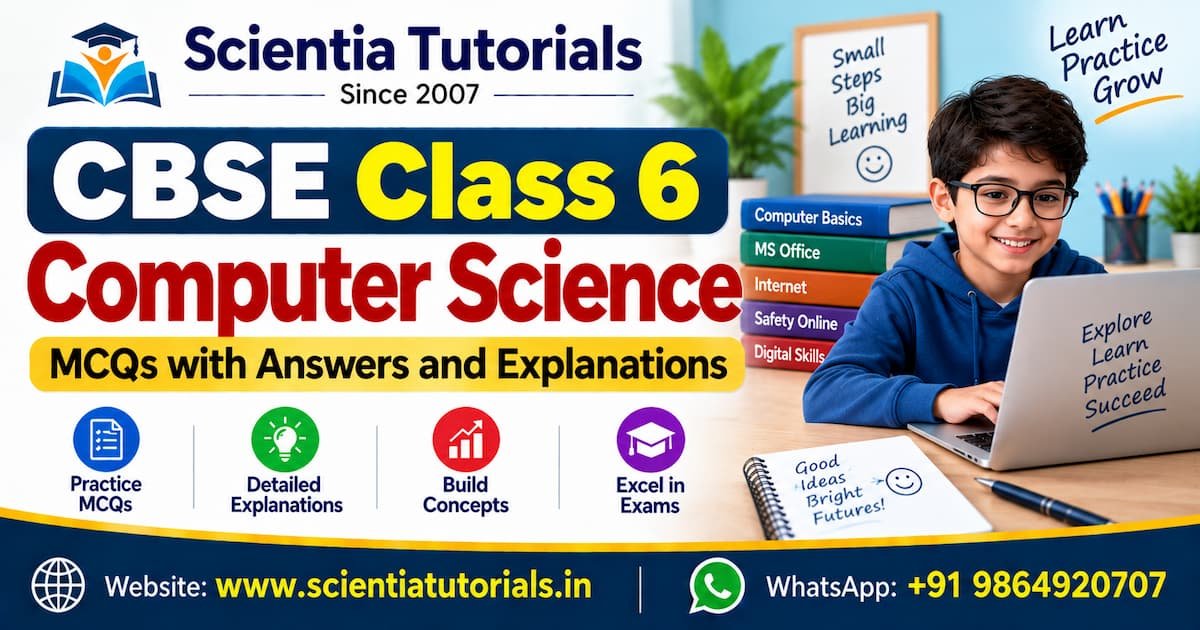
CBSE Class 6 Computer Science – MCQs with Answers and Explanations
Course Overview: CBSE Class 6 Computer Science – MCQs with Answers and Explanations The CBSE Class 6 Computer Science – MCQs with Answers and Explanations course is designed to help students build a strong foundation in basic computer concepts through exam-oriented multiple-choice questions. Aligned with the latest CBSE curriculum, this …
Overview
Course Overview: CBSE Class 6 Computer Science – MCQs with Answers and Explanations
The CBSE Class 6 Computer Science – MCQs with Answers and Explanations course is designed to help students build a strong foundation in basic computer concepts through exam-oriented multiple-choice questions. Aligned with the latest CBSE curriculum, this course simplifies key topics using objective questions, detailed solutions, and easy-to-understand explanations.
-
Class 6 Computer Science MCQs
-
CBSE Class 6 Computer Questions with Answers
-
Class 6 Computer Science Objective Questions
-
CBSE Class 6 Computer MCQ Quiz
-
Class 6 Computer Science Chapter-wise MCQs
🎯 Course Objectives
-
Strengthen fundamental computer knowledge for Class 6 learners
-
Prepare students for school exams and competitive assessments
-
Develop logical thinking and digital awareness
-
Encourage self-practice through chapter-wise MCQs
👩🎓 Who Should Enroll?
-
CBSE Class 6 students
-
Beginners in computer learning
-
Students preparing for school exams
-
Parents and teachers seeking practice resources
Curriculum
- 10 Sections
- 48 Lessons
- Lifetime
- 🧩 SECTION 1: Fundamentals of Computers5 ItemsThis section introduces students to the basic concepts of computers, forming the foundation for further learning in Computer Science. It covers the definition, features, uses, evolution, and types of computers in a simple, student-friendly manner. Through MCQs with answers and explanations, learners can easily understand how computers work and their importance in daily life while preparing effectively for school exams.
- 🖥️ SECTION 2: Computer System Components5 ItemsThis section focuses on the main parts of a computer system and how they work together. Students learn about hardware and software, input and output devices, and the role of the CPU in processing data. MCQs with answers and explanations help reinforce understanding of each component and its function, making exam preparation simple and effective.
- 💾 SECTION 3: Memory and Storage Devices5 ItemsThis section introduces students to the memory and storage components of a computer. It explains primary memory, secondary storage devices, and common storage media like hard disks, CDs, DVDs, and pen drives. Through MCQs with answers and explanations, students learn how data is stored, accessed, and managed, strengthening their conceptual understanding for exams.
- 🧠 SECTION 4: Computer Software5 ItemsThis section explains the basics of computer software and its role in running a computer system. Students learn about different types of software, including system software and application software, along with the functions of the operating system. MCQs with answers and explanations help clarify concepts and support effective exam preparation.
- ⌨️ SECTION 5: Working with Keyboard & Mouse4 ItemsThis section introduces students to the basic input devices—keyboard and mouse—and their functions. It covers types of keys, keyboard shortcuts, and common mouse operations such as clicking, dragging, and scrolling. MCQs with answers and explanations help students build practical skills and improve accuracy for computer-based tasks and exams.
- 🎨 SECTION 6: Introduction to MS Paint4 ItemsThis section introduces students to MS Paint, a basic drawing and coloring program. It covers the tools, features, and simple functions used to create, edit, and save pictures. Through MCQs with answers and explanations, students learn digital drawing skills while reinforcing their understanding for exams.
- 📝 SECTION 7: Word Processing (MS Word)5 ItemsThis section introduces students to MS Word, a basic word processing application used for creating and editing documents. It covers the parts of the Word window, text typing and formatting, and saving files. MCQs with answers and explanations help students understand document creation skills and prepare effectively for exams.
- 🌐 SECTION 8: Internet and Its Uses5 ItemsThis section introduces students to the Internet and its everyday applications. It explains web browsers, websites, email basics, and common online activities. Through MCQs with answers and explanations, students learn how the Internet works and how to use it effectively and responsibly for learning and communication.
- 🔐 SECTION 9: Cyber Safety and Ethics5 ItemsThis section educates students about safe and responsible computer and Internet usage. It covers cyber safety rules, password protection, online privacy, and computer ethics. MCQs with answers and explanations help students understand digital responsibility and stay secure while using technology.
- 🧪 SECTION 10: Exam-Oriented Practice5 ItemsThis section provides comprehensive exam practice through mixed and chapter-wise MCQs. It includes mock tests, important questions, and revision sets designed to assess understanding and improve accuracy. With answers and explanations, students can evaluate their preparation and build confidence for school exams.
Course Features
- Lectures 48
- Quiz 0
- Duration Lifetime access
- Skill level All levels
- Language English
- Students 0
- Assessments Yes